
3.5 KiB
3.5 KiB
- Installation Installing Miniconda - Anaconda
- LangSmith is here to support you at every step of your development journey with tools for observability, evaluation, and prompt engineering.
- As you start building your agent, you may need to debug unexpected outputs or performance bottlenecks. That’s where tracing in LangSmith comes in.
- Tracing can help you pinpoint issues and track how each part of your agent contributes to the output. You can also share traces with your team for seamless debugging – here’s an example.
- Ready to log your first trace in LangSmith? 🤓 Watch this quick 5-minute video to get started, and follow along with the code here.
- https://track.pstmrk.it/3s/www.youtube.com%2Fwatch%3Fv%3DfA9b4D8IsPQ/Tpyp/a8W-AQ/AQ/fdde9c53-e164-482b-99dd-eeea3c2a9a20/3/9ETeFMFTSD
- If you need a hand getting started, our Quick Start and Tracing docs have you covered 🥳
- Over the next 5 emails in our onboarding series, we’ll dive into LangSmith’s core features and show you how to use them. I’ll be back soon with more on the LangSmith Playground!
- Conda is a package and environment manager, originated from Python even though it is language agnostic.
- While pip is excellent for managing Python-only packages, Conda can manage dependencies for projects that require non-Python libraries and complex dependency trees
- Conda environments can be exported to a YAML file, which permits to recreate the exact same environment, ensuring reproducibility for collaboration and deployment
- I think it's a kind of Maven or Gradle framework even though it is not specific to only one language
- Conda is a popular choice for data scientists and AI developers
- Conda can manage different environments Getting started with conda — conda 25.7.1.dev23 documentation es
-
conda create -n <env-name>
-
- Anaconda and Miniconda are software distributions, which means they are collections of pre-built tools specifically designed for data science.
- Coda is included in Anaconda and Miniconda
- Init commands
-
source <PATH_TO_CONDA>/bin/activate
conda init --all
conda init --reverse bash
-
- Then
-
conda create -n langchain-book python=3.11
-
- From VS code I opened a Jupyter notebook of the book and I selected the langchain-book environment.
- I executed
-
pip install -r requirements.txt
-
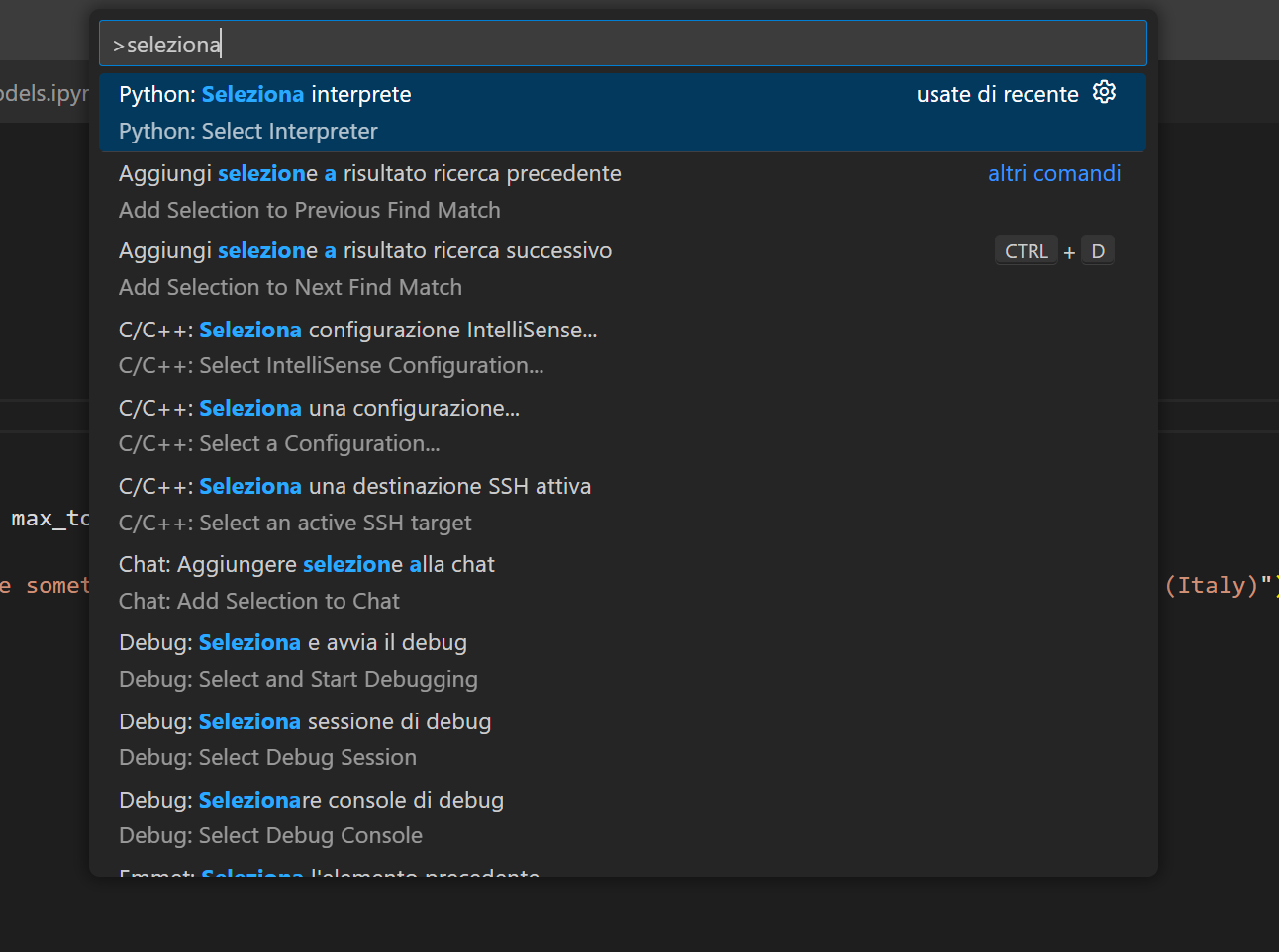
- To execute python code outside Jupyter it is necessary to select the correct interpreter
- Python environments in VS Code
- CTRL+SHIFT P
 {:height 867, :width 1154}
